
博客
实战打法、新功能与动态——亚马逊和 noon 卖家如何用 SellerSheet 让自己的 AI 干活。
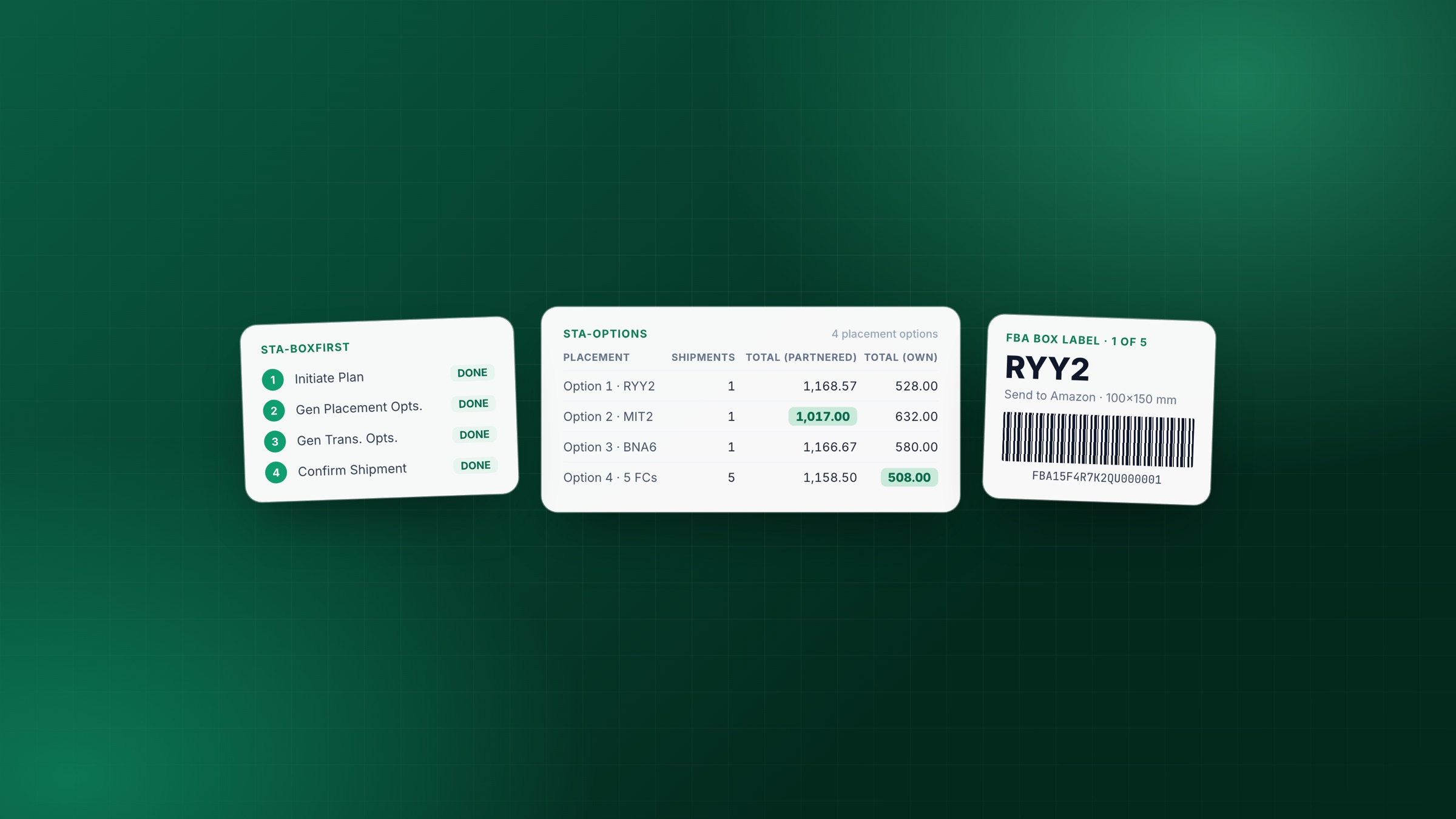
- FBA 发货
- Google 表格
在 Google 表格里完成 FBA 发货:从建计划到箱唛的全流程
用 SellerSheet 侧边栏在 Google 表格里走完一个 Send to Amazon 入库货件——配好地址和商品,建计划,比较分仓与承运商报价,确认下单,取箱唛与 FNSKU 标签,再跟踪到入仓。先装箱和先拆分两种模式都讲。
SellerSheet Team · · 13 分钟阅读
阅读全文 →更多文章
分步操作指南
每篇一件事,随产品同步更新。
用你自己的 AI 使用 Amazon Marketing Cloud(AMC)
为店铺开通 Amazon Marketing Cloud,让你自己的 AI 回答品牌新客、广告活动重叠等问题,并创建供广告活动竞价使用的受众。
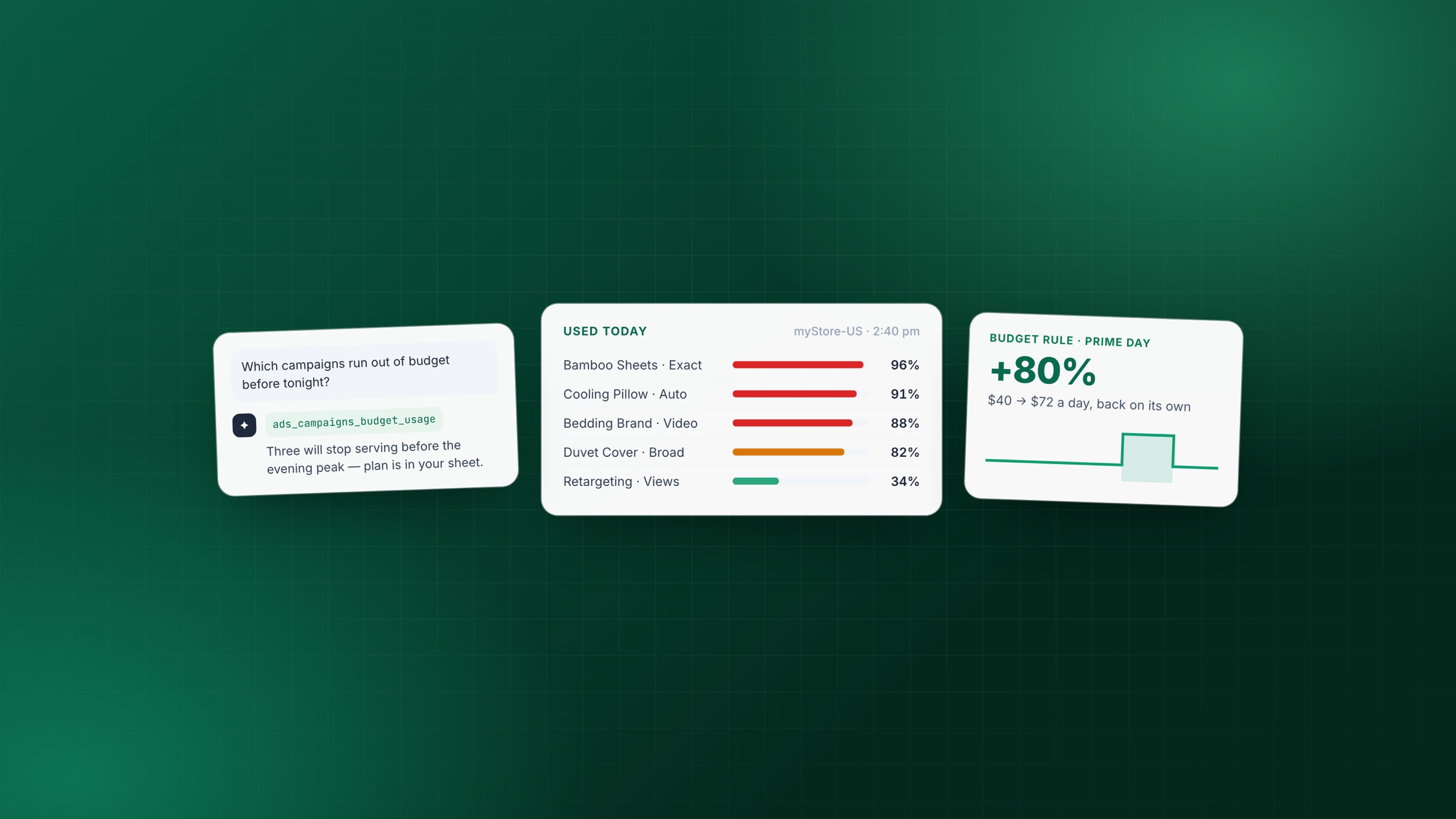
用 SellerSheet MCP 管理亚马逊广告预算
通过 MCP 把 AI 助手连上你的亚马逊账号:实时预算用量、官方建议、到期自动恢复的预算规则——由 AI 执行,结果写回 Google 表格供你审核。
How to Bulk Add Up to 25,000 Existing ASINs to Your Amazon Catalog
Add products that already exist on Amazon to your own catalog in bulk from Google Sheets — check eligibility, pair your SKUs with the ASINs, and submit them in one feed.
How to Bulk Create Invoices for Amazon Customers in Google Sheets
Generate VAT invoices or receipts for your Amazon customers in bulk, straight from your synced order data in Google Sheets, with your own branding and tax details.
How to Bulk Create & Revise Amazon Listings in Google Sheets
Create, update and delete Amazon listings in bulk from Google Sheets — Seller Central's template columns, with Amazon's check before anything goes live.
How to Bulk Check ASIN Selling Eligibility in Google Sheets
Check whether you may sell hundreds of ASINs at once in Google Sheets — allowed, approval required or restricted, with Amazon's reason and the approval link — next to each product's Buy Box, rank and offer counts.
 WhatsApp